There are a few ways to get your Google review link, all of which are pretty simple. You can even start requesting Google reviews if you haven’t managed to claim your business yet
1
Via Google Search
Log into your Google Business Profile.
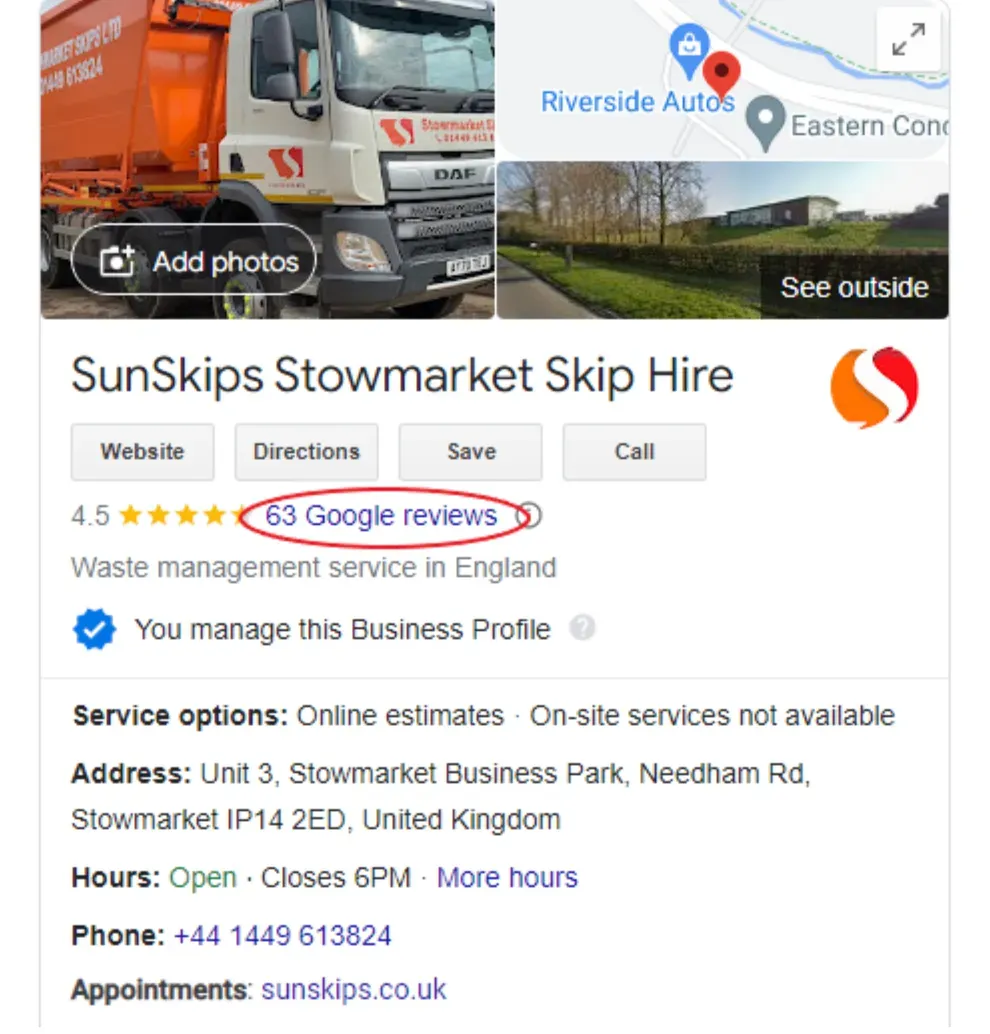
Look for your business on Google Search and click the link that states the number of reviews you have.
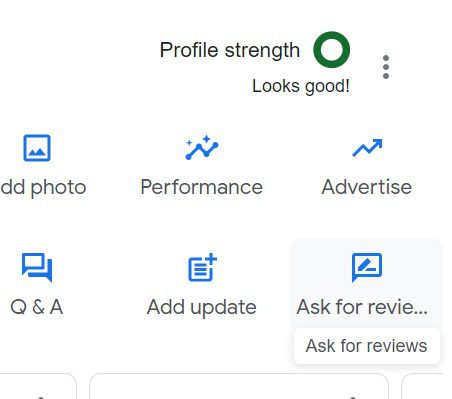
Now select the “Get more reviews” button.
There’s your Google reviews link! Copy and paste into an SMS or share it via email, WhatsApp or Facebook.
2
Via the Google Maps app
Open the Google Maps app and click on your profile icon.
Select “Your Business Profiles”.
In the Overview section, scroll down to “Get more reviews” and select “Share profile”.
Now you can either copy the link to save for later or send it directly via social media and messaging apps.
3
Via Google Business Profile Manager
Log into Google Business Profile.
Once inside Google Business Profile Manager, choose the business you want to get a link to Google reviews for (if you own multiple businesses, that is).
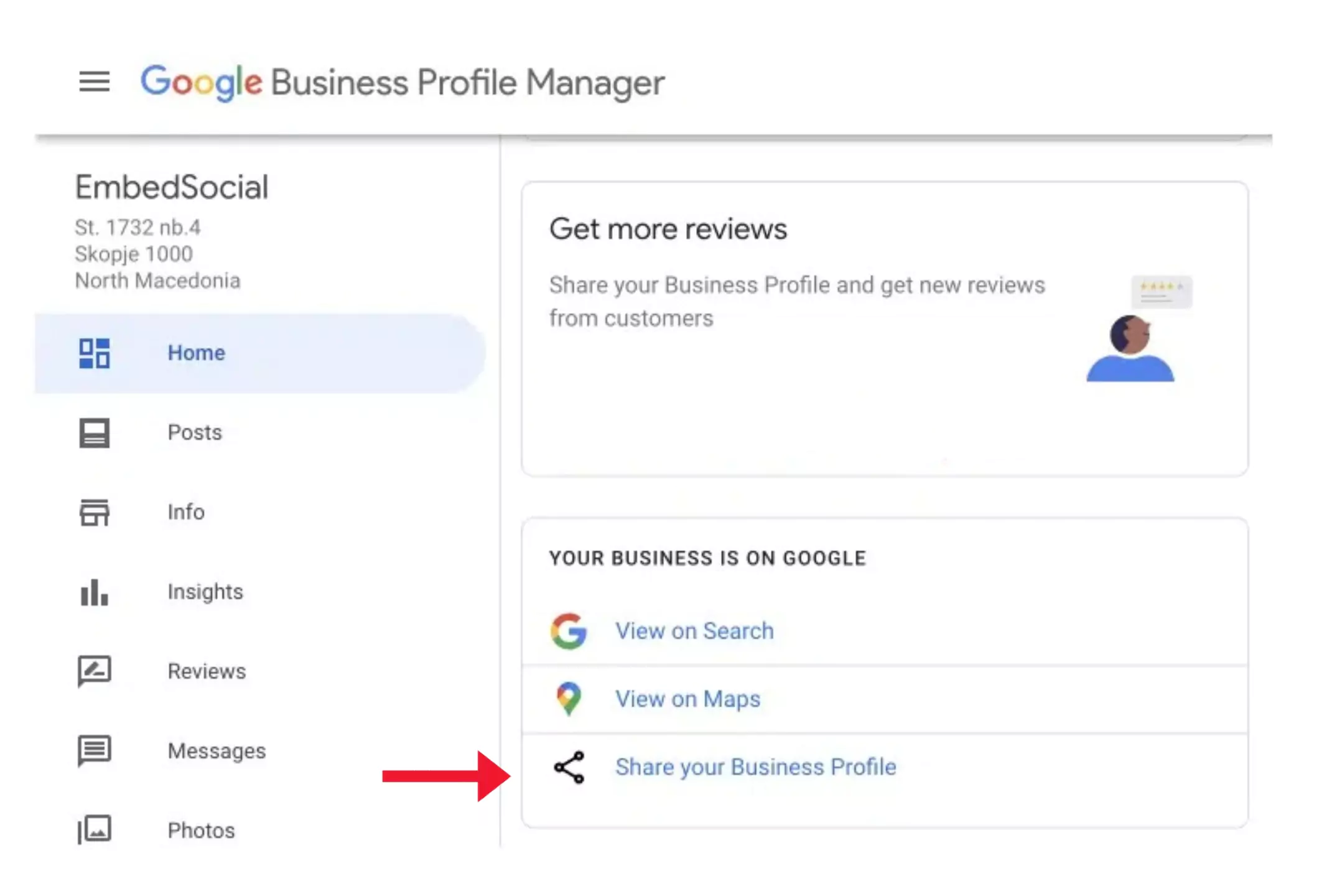
Scroll down to “Share your Business Profile”.
Et voilà!: your Google review link is ready to be copied or shared on other platforms.