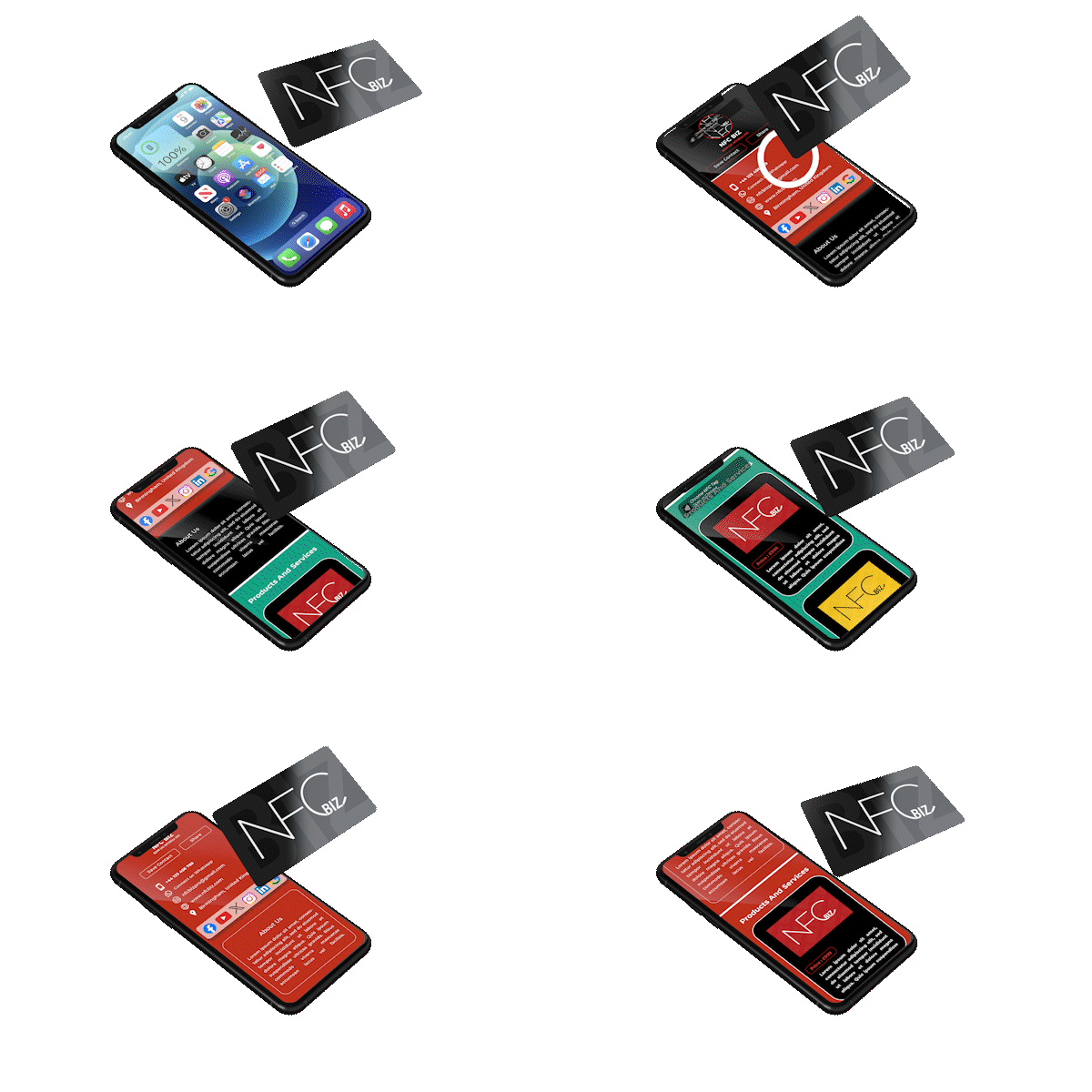
NFC stands for Near Field Communication. It is a short-range wireless communication technology that allows data exchange between devices that are in close proximity to each other. NFC operates on the principles of electromagnetic radio fields and enables communication between devices when they are within a few centimetres of each other. Using NFC (Near Field Communication) involves communication between devices that are in close proximity, typically within a few centimetres. NFC is commonly used for various purposes such as data transfer, and more.
Here's a basic guide on how to use NFC:
For Android Devices
Check NFC Support
Ensure that your Android device supports NFC. Most modern smartphones come equipped with NFC capabilities.
Enable NFC
Open your device's Settings.
Look for "Connections" or a similar section.
Turn on NFC.
NFC Settings
There might be specific settings related to NFC, such as Android Beam or Android's version of tap-to-share. Make sure these settings are enabled if you plan to use these features.
For iPhone
Check NFC Support
iPhones typically support NFC, but it's important to have a model that's iPhone 7 or newer for broader NFC functionality.
Check Compatibility
Ensure that the devices you are trying to communicate with also support NFC.
Unlock Devices
In most cases, you need to have your device unlocked to use NFC features.
Note:
Remember that the specific steps and options may vary slightly depending on the make and model of your device and the version of the operating system it's running.